Sign up
Sign in for the first time and create your organization.
Sign in
Open the console and pick GitHub or Google. Your first sign-in with either one creates your account.
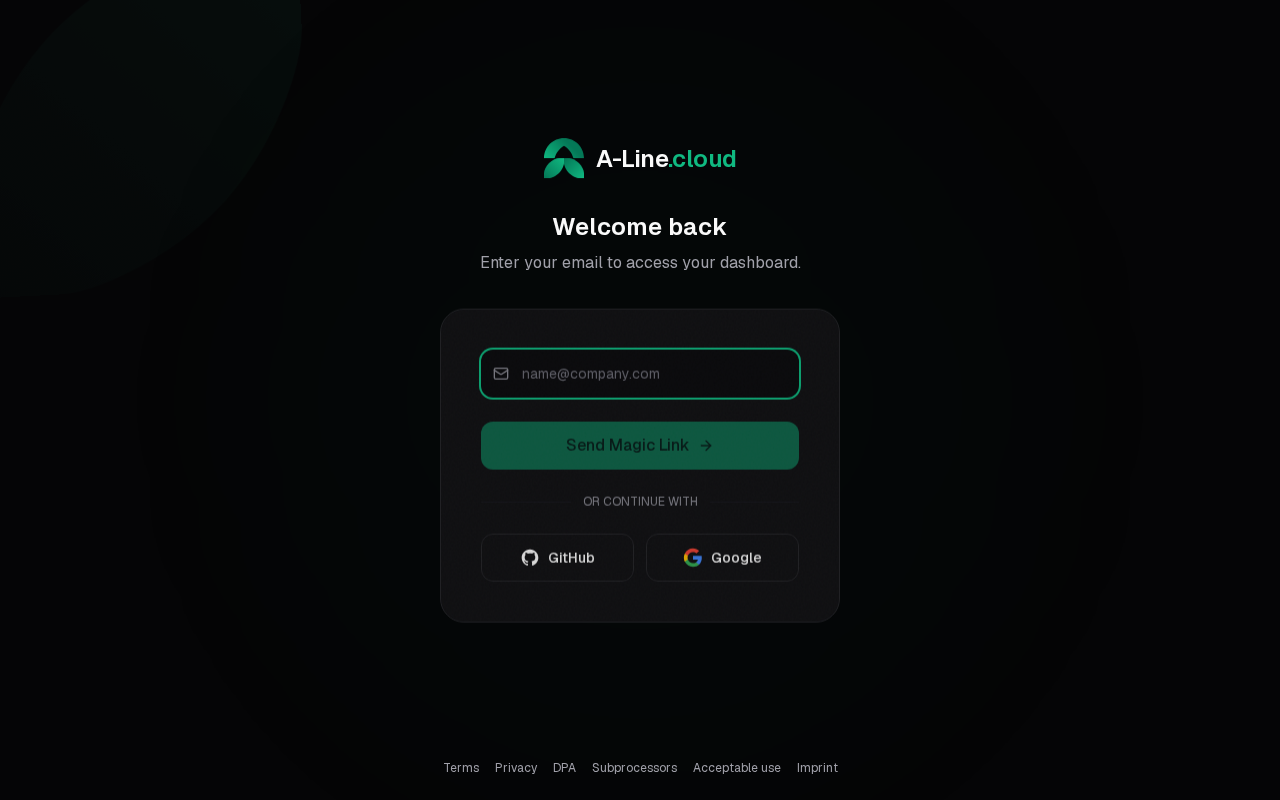
Send Magic Link emails a one-time sign-in link, but only to an existing account. Use it once your account exists.
Accept the terms and add your name
On your first sign-in you accept the terms of service and enter your name.
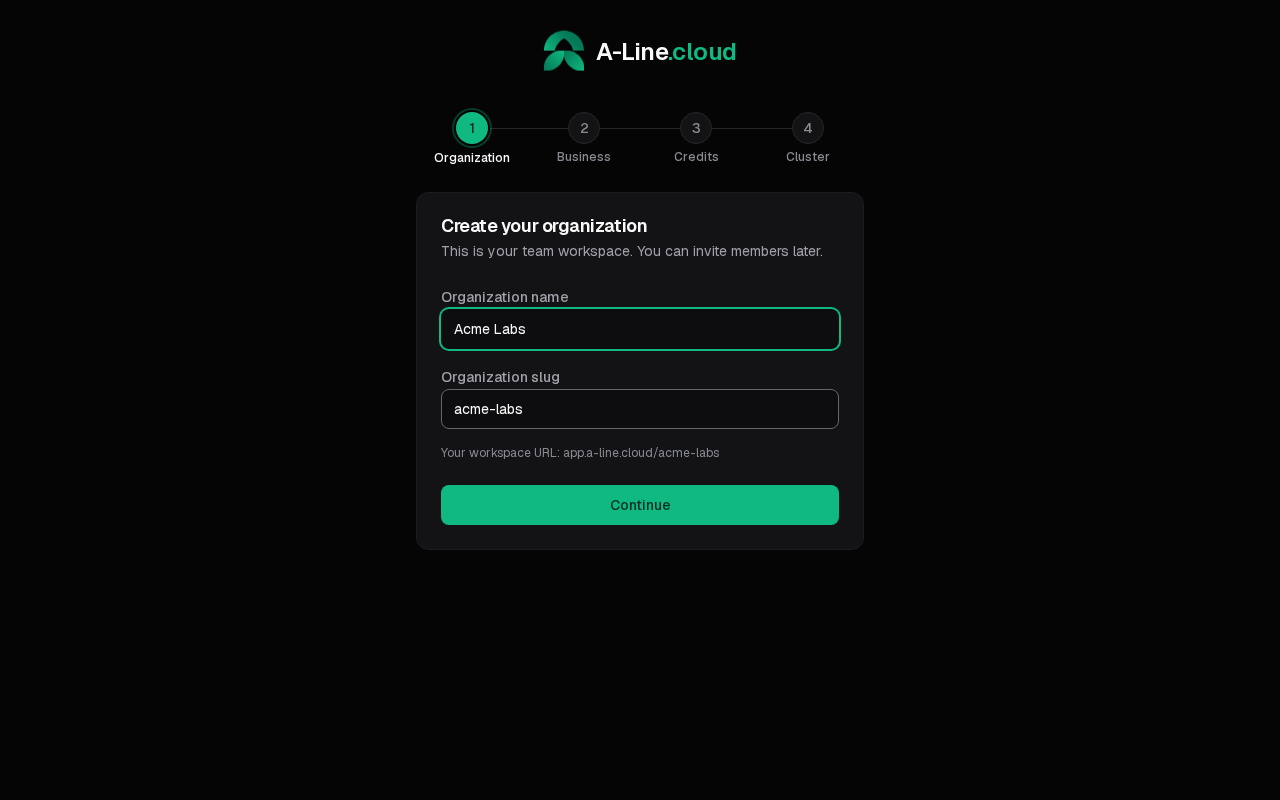
Create your organization
Everything you run belongs to an organization. Enter its name; the slug is filled in from the name and can be changed.
Add business details and credit
The next two steps are Business details (for your invoices) and Add credits to get started. Both are optional: select Skip for now to do them later under Billing.
You need credit before you can create a cluster, because servers are paid from your balance. On the credit step, pick a Credit amount, and turn on Auto top-up if you want the balance refilled when it runs low. See Top up credit.
The last step opens Infrastructure, where you create your first cluster.
Next: create a cluster.